Using Meta's Opportunity Score to Improve Campaigns, Ad Sets, and Ads
Published on
June 17, 2026
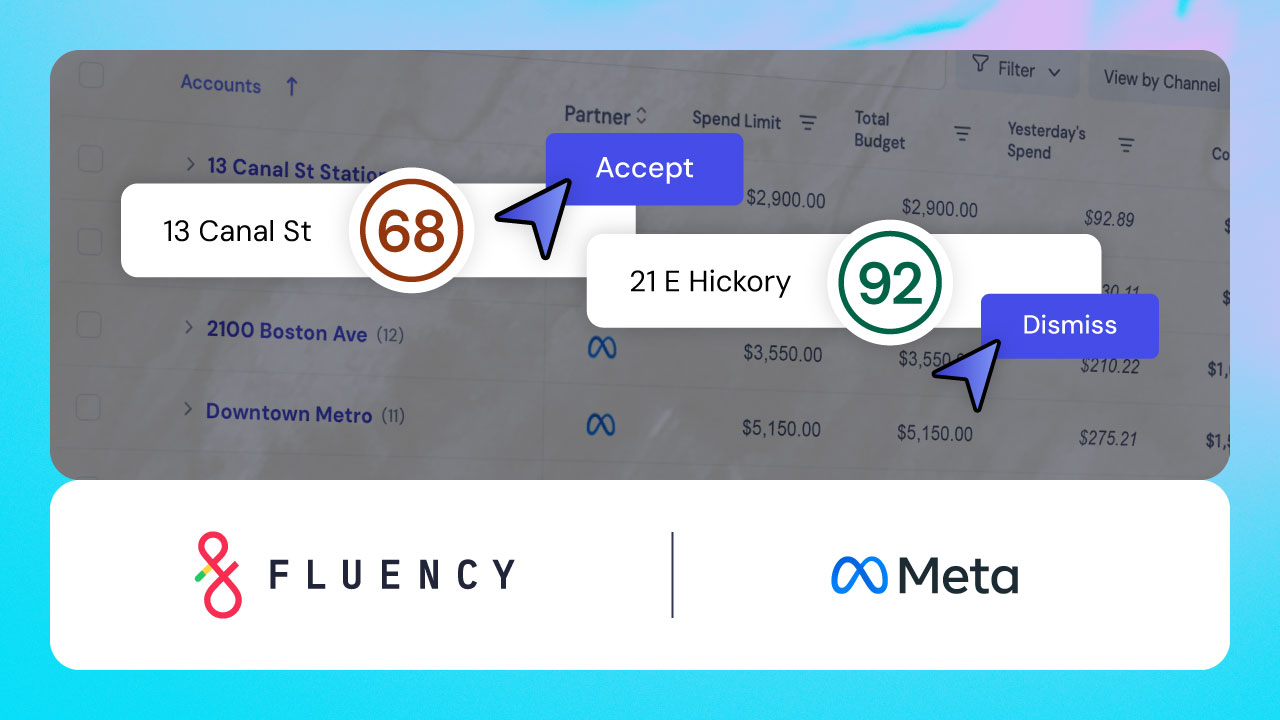

Managing Meta Opportunity Score (OS) recommendations across a massive account portfolio shouldn't derail your daily workflows. This guide shows AdOps leaders how to balance Meta's algorithmic health checks with unique client goals, while scaling cross-channel recommendation management without manually platform-hopping inside Ads Manager.
---
Meta’s Opportunity Score (OS) acts as an algorithmic health check, driving an average 5% median decrease in cost per result when applied correctly. But chasing these scores across hundreds of separate client accounts in Ads Manager adds unnecessary stress to your daily workflows.
AdOps teams need a centralized mechanism to monitor, manage, and execute publisher suggestions across their entire portfolio at once to strike the right balance between optimized campaigns and efficient workflows. Fluency’s latest release now allows teams to easily manage Meta OS recommendations across their portfolio within a single centralized system.
Here is how Meta’s Opportunity Score impacts your advertising strategy, along with how you can execute, mitigate, or dismiss platform recommendations at scale without compromising client-specific guardrails.
How Meta calculates its Opportunity Score for ad accounts
Meta’s Opportunity Score shows you how optimized your ads, ad sets, and campaigns are based on your settings and your business type. Essentially, it is Meta’s platform-specific equivalent to Google Ads Optimization Score.
The score represents your algorithmic health (basically, how optimized something is to perform well on Meta). You should read Meta’s OS as a signal of how well your ads are set up, not a verdict as to whether something is performing well or poorly based on your goals.
Every Meta Opportunity Score consists of two components:
- Your score, on a scale of 0-100. This score indicates how optimized your campaigns, ad sets, and ads are to perform well within Meta’s algorithms.
- Your recommendations. Whenever your score is lower than 100, Meta will share personalized recommendations you can implement to improve your OS. Each recommendation has a different point value, indicating how impactful it will be in optimizing your ads.
Your score updates when you apply Meta’s recommendations or make changes to your account. It also changes dynamically as Meta’s system identifies new environmental opportunities.
What does a low Meta Opportunity Score mean?
A low Meta Opportunity Score means there’s an opportunity to improve your campaign, ad set, or ad for better performance. You can bring your score up by making Meta’s recommendations, which are provided in Ads Manager. They are organized based on how much the recommended change will impact your score, with the most impactful recommendations at the top.
It’s worth noting that, even if you make Meta’s recommendations and fix any errors, it’s not a guarantee that your performance will improve. Improving your Opportunity Score means you’re improving your algorithmic health for your specific setup and business type based on Meta’s experiments and learnings from other companies like yours. But algorithmic alignment should not be a substitute for strategic performance.
Why a high Meta OS score doesn't automatically guarantee conversions
If your Meta Opportunity Score is already high, that’s great news. It means the ad, ad set, or campaign with a high score is already optimized for maximum performance. A high OS typically means:
- You’ve made all of Meta’s Ad Manager recommendations.
- You’ve fixed all of Meta’s warnings and errors. This could include policy violations, incorrect formatting, or missing information.
- There are no additional errors or optimization recommendations available at this time.
Combined, these score components indicate that you’ve done everything you can to optimize your advertising assets for Meta’s algorithm. The more of Meta’s recommendations you apply, the higher your score will be.
When to ignore or dismiss Meta's 100 Opportunity Score goal
You shouldn’t necessarily try to achieve a Meta OS of 100 because accepting all of Meta’s recommendations isn’t always feasible for your unique goals or boundaries. You should prioritize meeting client goals, running campaigns within specific brand or compliance guidelines, and adhering to your own strategic best practices or playbooks.
The reality is that there may be some Meta OS recommendation types that you can’t apply. For example, maybe you aren’t able to expand your audience beyond your client’s demographic needs, or maybe you don’t have more creative assets for image diversification.
If this is the case, you can dismiss a recommendation, and your score will not change. It also means your score will always be lower than 100. However, if your campaigns are set up the way your strategies or clients need them to be, then you shouldn’t worry about trying to blindly chase a 100 score. Remember: a Meta Opportunity Score of 100 doesn’t mean your ads or campaigns will deliver better performance, only that they are set up optimally for Meta’s algorithm.
That said, Meta reports that advertisers who adopted Opportunity Score recommendations saw, on average, more than a 5% median decrease in cost per result. Ideally, you’re able to strike a balance between Meta’s recommendations and your own strategic playbooks.
The true cost of manual optimization management at scale
Manually evaluating and executing publisher updates can become unmanageable when you’re responsible for hundreds of accounts or campaigns.
Plus, if your team is also trying to manage optimization recommendations on other channels, like Google, they could spend hours just clicking through everything, making minor tweaks here and there. It’s monotonous and time-consuming, especially if there’s no guarantee that you’ll see performance improvements.
How to manage Meta Opportunity Scores across your portfolio from one system
Fluency’s new Meta OS component makes it easier to see and review Meta OS across all your accounts and campaigns from one place instead of navigating through Ads Manager to review everything.
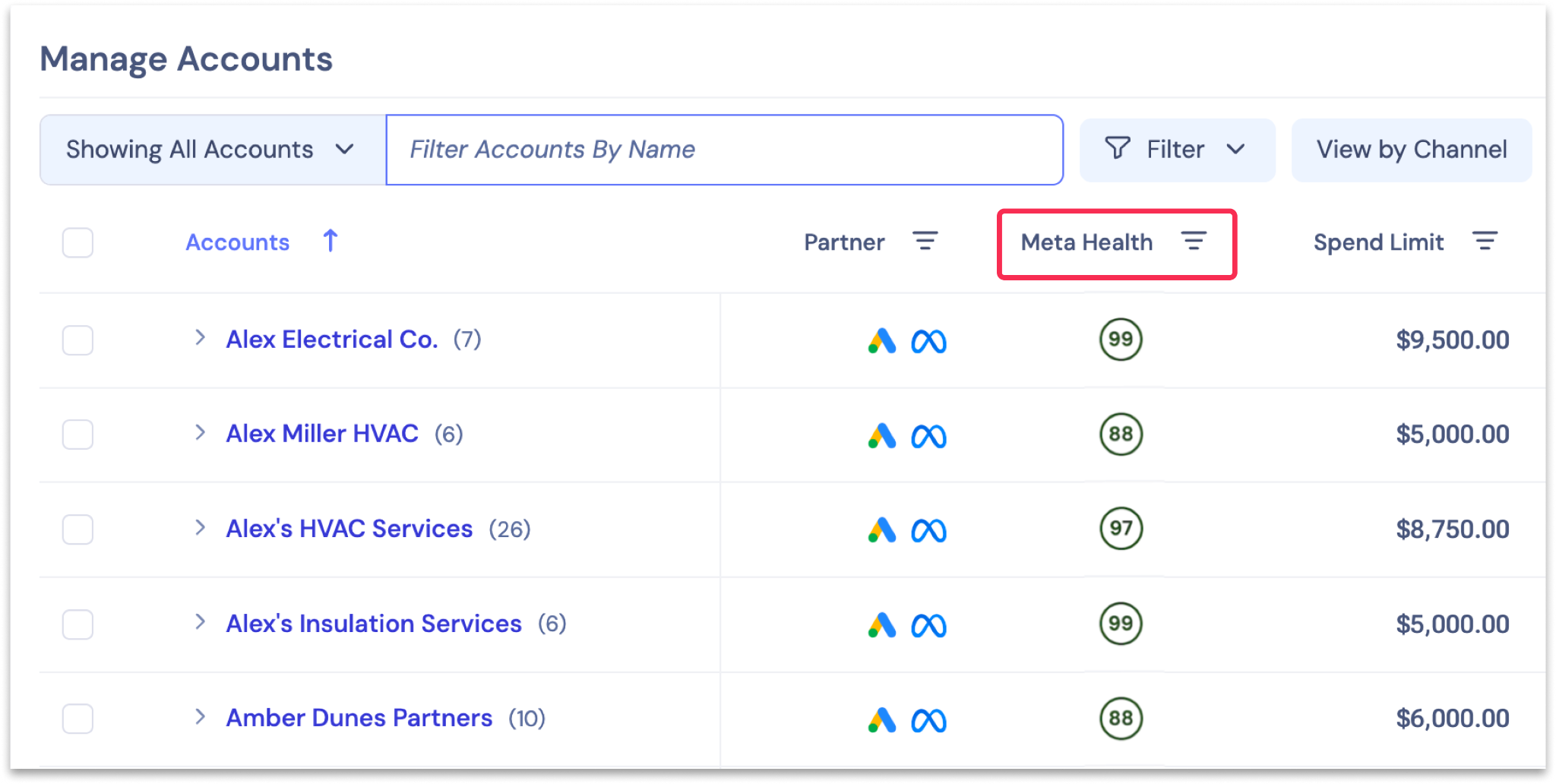
In Fluency's Accounts view, there is now a column to manage Meta Ads Health. You can see Meta health scores for every account, campaign, ad set, and ad in one system.
If you click into the Meta Health score within Fluency, you’ll see a filtered list of specific recommendations flagged for every Meta campaign within your portfolio. This enables you to evaluate Opportunity Scores for multiple client campaigns or different localized ads at the same time. These recommendations also include Fluency's own recommendations, giving you a combined view with the ability to filter to Meta only.
Best of all, you can also take action on all of Meta’s recommendations from within Fluency. You can accept, mitigate, or dismiss Meta Opportunity Score recommendations across your entire portfolio in one place, alongside other channel optimization recommendations and Fluency’s own AI-identified recommendations.

Quick answers to common Meta Opportunity Score questions
What Meta Opportunity Score recommendations can I manage within Fluency?
Which Meta Opportunity Score recommendations deliver the highest performance impact?
Meta ranks recommendations by estimated performance lift; bidding and budget adjustments generally receive the highest system priority.
What should I do if a Meta recommendation conflicts with my client's target strategy?
You should explicitly dismiss the recommendation within your dashboard view. By doing so, you can dismiss the flagged recommendation without impacting live campaign configurations.
Take control of your Meta Opportunity Scores at scale
While a Meta Opportunity Score of 100 is a great benchmark for algorithmic health, it should never override your unique strategic goals or compliance boundaries. Instead, you should strive to strike a balance between acting upon the right recommendations without sinking a lot of time into each one.
Solutions like Fluency make it easy for ad teams to view, evaluate, and act upon Meta’s Opportunity Scores in bulk from a single, centralized dashboard. By streamlining the actionability of all your multi-channel recommendations, you can save valuable time while keeping your entire portfolio operating at peak performance.
Related Posts

How is Agentic Automation Used in Digital Advertising?